
Flyer Printing Guide: Sizes, Paper Weights & Design That Gets Read
A print shop's guide to flyer printing — the flyer sizes we actually run (A5, Letter, DL, rack card), the best paper weight for flyers, gloss vs matte, real 2026 Ottawa pricing, and the file setup that keeps your design sharp.
A yoga studio owner walked into our shop last spring with a beautiful flyer she'd designed in Canva and a simple question: "Can you just print 2,000 of these?" We could — but when we zoomed in, her logo sat 2 mm from the edge, the file was RGB, and she'd built it at postcard size when she really wanted a full A5 handout. Fifteen minutes of setup fixes later, she left with a spec that would actually look sharp coming off the press instead of trimmed and muddy.
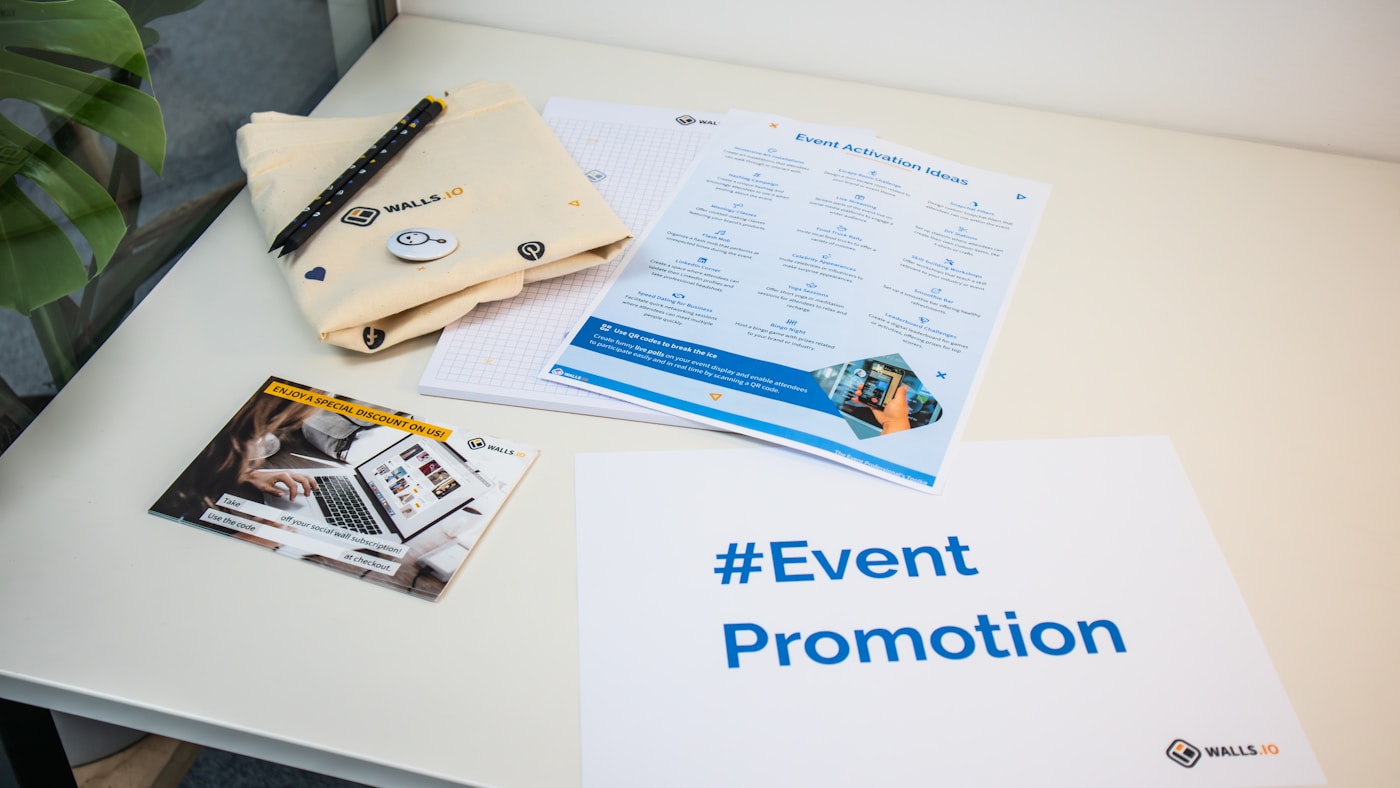
That conversation happens every week. Flyer printing looks simple from the outside — pick a size, hit print — but the decisions that make a flyer feel professional (or cheap) are the ones people skip. This guide walks through the sizes we actually run, the paper weights we recommend, what it costs in 2026, and the file setup that keeps your design crisp from screen to street.
Flyer sizes: what to choose and when
There's no single "correct" flyer size — there's the right size for how the piece gets handed out, mailed, or displayed. The A-series sizes (A4, A5, A6) come from the international ISO 216 A-series paper sizes, where each size is exactly half the one above it. North American sizes (Letter, Half-Letter) are still the most common for local flyer printing in Ottawa. Here's how the workhorses compare:
| Size | Inches | Millimetres | Best for |
|---|---|---|---|
| Half-Letter | 5.5 × 8.5 in | 140 × 216 mm | Economy handbills, coupons |
| A5 | 5.83 × 8.27 in | 148 × 210 mm | Most popular handout size |
| US Letter | 8.5 × 11 in | 216 × 279 mm | Full-page flyers, menus, event posters |
| DL | 3.9 × 8.27 in | 99 × 210 mm | Mailers (fits a #10 envelope), racks |
| Rack card | 4 × 9 in | 102 × 229 mm | Brochure holders, counter displays |
For most small businesses handing flyers out at events or door-to-door, we point people to A5 or Half-Letter — they feel substantial, cost little, and stack neatly. Go to US Letter when you genuinely need the real estate for a menu or event lineup. A DL or rack card is the move when the flyer has to fit an envelope or a display holder.
Paper weight: the choice people underthink
Paper weight is where a flyer earns its "professional" or "cheap" feeling before anyone reads a word. It's measured two ways: North American basis weight in pounds (lb) and metric grams per square metre (gsm). One trap — text stock and cover stock use different scales, so a "100 lb text" is a flexible flyer sheet while a "100 lb cover" is a rigid card. For flyers you almost always want text weight; save cover stock for postcards and business cards.
| Stock | Approx. gsm | Feel | Best for |
|---|---|---|---|
| 80 lb text | ≈ 118 gsm | Light, flexible | Bulk drops, inserts, high-volume |
| 100 lb gloss text | ≈ 150 gsm | Professional, still cheap | The everyday sweet spot |
| 100 lb matte text | ≈ 150 gsm | Smooth, no glare | Text-heavy, write-on flyers |
| Premium text | 170–200 gsm | Heavy, no show-through | Double-sided, upscale brands |
| 14 pt cover | ≈ 260 gsm | Rigid card | Rack cards, postcards, invites |
If you take one thing from this section: 100 lb gloss text (~150 gsm) is the default we quote most. It reads as professional, survives being carried in a jacket pocket, and stays affordable in bulk. Bump to 170–200 gsm the moment you print double-sided so the back doesn't ghost through the front.
Gloss vs matte, single vs double sided
Finish is a brand decision more than a quality one. Gloss reflects light, pops photo colours, and shrugs off fingerprints and stains — perfect for a photo-driven restaurant or event flyer. Matte diffuses light for a softer, glare-free look that's easier to read and easy to write on, which real-estate agents and service businesses tend to prefer.
On sides: double-sided printing doubles your usable space for a menu, class schedule, or map and is usually worth the small upcharge — just move up to heavier stock so ink doesn't show through. Single-sided on 130–150 gsm is the cheaper pick for a simple announcement or coupon where you don't need the back.
What flyer printing costs in 2026
Per-piece flyer printing is all about volume. The press setup cost is the same whether you run 100 or 10,000, so the more you print, the less each one costs. These are approximate CAD ranges for a standard A5 or Half-Letter flyer on 100 lb gloss text — heavier stock, larger sizes, and rush jobs move the number up:
- 250–500 flyers: roughly 10–20¢ each. Short runs carry the setup cost across fewer pieces.
- 1,000 flyers: around 5¢ each. This is where per-piece pricing starts feeling efficient.
- 5,000 flyers: roughly 3–5¢ each. The volume most local campaigns settle on.
- 10,000+ flyers: as low as 2–4¢ each. Best per-unit value for a neighbourhood blitz.
Typical flyers land in the $0.10–$0.50 range once you factor in stock and finish, and a small premium or rush run can climb toward $2.50 a piece. Because so many variables move the price, we always quote against your exact spec rather than a menu number — send the size, stock, sides, and quantity and we'll give you a real figure the same day.
Setting up a print-ready file
This is the section that saves you a reprint. A flyer that looks perfect on screen can print muddy or trimmed if the file isn't built for press. Four rules cover almost everything:
- Add bleed. Extend any background colour or image 1/8 inch (3.175 mm) past the trim on every edge so no white slivers show after cutting. See bleed in printing for the full definition.
- Respect the safe zone. Keep logos, text, and anything important at least 0.125 in inside the trim so the blade can't clip it.
- Design in CMYK at 300 DPI. Printing is subtractive, so build in the CMYK color model — bright RGB screen colours can shift when converted. Use 300 DPI images (250 DPI absolute minimum) so nothing looks soft.
- Export a print-ready PDF. Flatten to PDF with fonts embedded or outlined. That locks your layout so it prints exactly as designed.
Not comfortable prepping files? That's fine — you can build a flyer in our free flyer designer, or send us whatever you have and our team will fix the bleed, colour, and resolution before anything goes to press. We show you a proof and you don't pay until it's right.
Getting flyers into the right hands in Ottawa
A great flyer does nothing sitting in a box. The cheapest way to blanket a neighbourhood without buying a mailing list is Canada Post Neighbourhood Mail — unaddressed delivery you order by household count along specific postal walks. It runs about $0.197 per piece for standard items (under 6 x 12 in, under 1 in thick, under 50 g), transportation included, per the Canada Post Neighbourhood Mail prices. We like pairing on-demand flyer printing with targeted postal walks so an Ottawa business can hit exactly the neighbourhoods it serves.
Wondering whether flyers still pull their weight at all in 2026? We made the honest case in Are flyers still worth it? — and if you're scaling up to a bigger printed presence, our standard poster sizes and large-format poster printing guides cover the next step up. You can also see all our flyer printing options in one place.
Frequently asked questions
What size should a flyer be?
The most popular handout size is A5 — 148 x 210 mm (5.83 x 8.27 in) — because it's big enough to read but small enough to hand out and stack cheaply. For a full-page flyer we most often print US Letter (8.5 x 11 in / 216 x 279 mm). Half-Letter (5.5 x 8.5 in) is the go-to economy handbill, DL (99 x 210 mm) slips into a standard #10 envelope for mailers, and rack cards (4 x 9 in) fit brochure holders. If you're unsure, A5 or Half-Letter is a safe default for almost any Ottawa handout campaign.
What is the best paper weight for flyers?
The sweet spot is 100 lb gloss text (about 150 gsm) — it feels professional, holds colour well, and stays cheap in bulk. Standard flyers run 115–150 gsm (80–100 lb text). If you're printing double-sided or want a premium hand-feel, step up to 170–200 gsm so the ink doesn't show through. For lightweight bulk drops where price per piece matters most, 80–120 gsm keeps costs down.
How much does it cost to print flyers?
Most flyers land between $0.10 and $0.50 each, and per-piece cost drops fast with volume: roughly 10¢/piece at 500, about 5¢/piece at 1,000, and as low as 2–4¢/piece at 10,000 (approximate CAD). Small batches, heavy stocks, special finishes, and rush turnarounds push the price up — a short premium run can run toward $2.50 a piece. Because stock, size, finish, and quantity all move the number, the honest answer is: get a quote for your exact spec.
Gloss or matte finish for flyers?
Gloss reflects light for a shiny, high-saturation look and resists stains — it's best for photo-heavy, vibrant designs. Matte diffuses light for softer, subdued colours with no glare, which makes text easier to read and lets people write on the flyer. Both are well suited to flyers, so the choice is really about your brand and how photo-driven the design is.
What is the cheapest way to distribute flyers in Canada?
For unaddressed mass distribution, Canada Post Neighbourhood Mail is hard to beat — about $0.197 per piece (as of Jan 13, 2025) for standard items under 6 x 12 in, under 1 in thick and under 50 g, with transportation included; adding a specified delivery start date is about $0.01 more per piece. You order by household count in targeted postal walks, which is perfect for blanketing specific Ottawa neighbourhoods without buying a mailing list.
Ready to print your flyers?
Tell us the size, stock, and quantity you have in mind — or send your artwork and we'll check the bleed and colour for free. You'll get a proof and a real Ottawa quote before you pay a cent.
Get a flyer quote