
T-Shirt Customization: Every Way to Personalize a Shirt in 2026
From a single name to a full-colour photo, here's every way to customize a t-shirt — print, embroidery, vinyl and finishing touches — and how to choose the right one for exactly what you're making.
A customer walked into the shop last week holding a single black tee and a phone photo of their late grandfather's fishing boat. "Can you put this on here?" Yes — and by the time they left we'd talked through four different ways to do it. That little conversation is really what t-shirt customization is: taking a blank shirt and making it unmistakably yours, whether that's a single name across the back or a full-colour photo on the chest.
This is the plain-English guide we give people in Ottawa when they ask how to customize a t-shirt. We'll walk through every method we actually use in the shop — print, stitch, vinyl and the little finishing touches most people never think about — and, just as importantly, how to pick the right one for exactly what you're making.
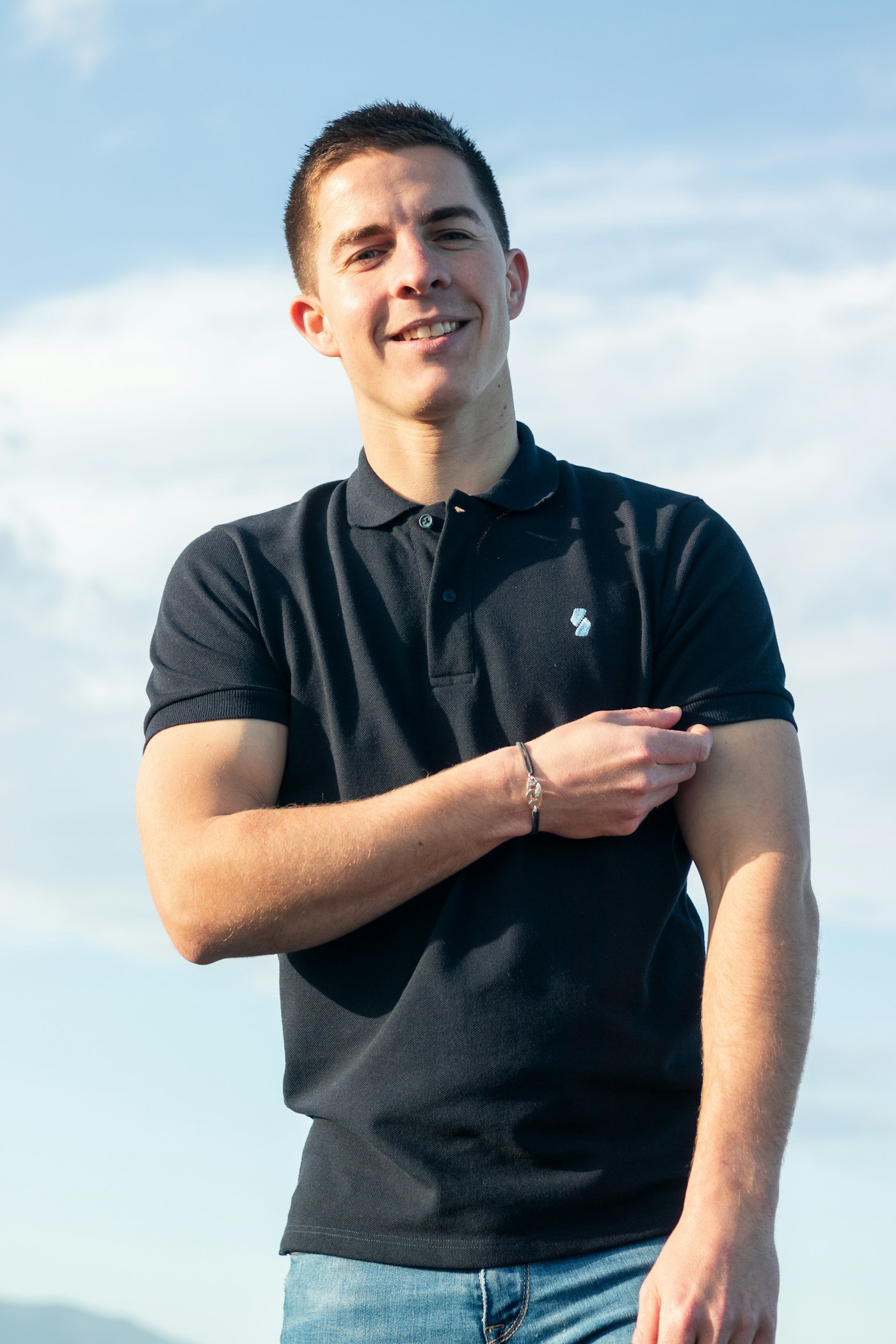
Customization vs personalization: what people actually mean
People use "customize" and "personalize" interchangeably, and honestly, most days so do we. But there's a distinction worth knowing before you order. Customizing usually means putting your design, logo or artwork on a garment — a band shirt, a company tee, a graphic you drew. Personalizing usually means adding an individual detail: a name, a number, a date, an initial that belongs to one specific person.
In practice, the two overlap constantly. A hockey team's shirt is customized with the club logo and personalized with each player's name and number on the back. A staff order is customized with the company mark and personalized with first names. So when we talk about the different ways to personalize a shirt below, we're really covering the full toolkit — because most real orders use more than one method at once.
If you only skim one thing, here's the quick menu of how we get artwork onto a blank:
| Method | Best for | Colour range | Min qty |
|---|---|---|---|
| DTF transfer | Photos, gradients, small custom runs | Unlimited, no surcharge | 1 |
| Screen printing | Bold 1–3 colour designs, bigger runs | A screen per colour | 24+ |
| Embroidery | Polos, caps, jackets, premium logos | Thread colours, no gradients | 12+ |
| Heat-transfer vinyl | Names, numbers, single-colour text | Solid colours only | 1 |
Print-based t-shirt customization: DTF and screen printing
For most graphics — logos, illustrations, photos, text with a bit of flair — printing is the backbone of t-shirt customization. Two methods cover almost everything we do. The first is DTF, or direct-to-film: we print your artwork onto a special film, back it with adhesive powder, and heat-press it onto the shirt. Because it's a digital print, a ten-colour photo costs exactly the same as a one-colour word, and there's no minimum — one shirt is genuinely fine. It's become our go-to for personalized t-shirts and small custom runs, and you can read more about our DTF printing if you want the details.
The second is screen printing, which pushes ink through a fine mesh stencil — one screen per colour — and cures it in a heat tunnel so it bonds for good. It gives a vibrant, durable print that sits into the fabric, and it gets cheaper per shirt the more you order. The trade-off is setup: every colour needs its own screen, so it's a bargain at a hundred shirts and expensive at six. If you're deciding between the two, we broke it down in detail in DTF vs screen printing.
Stitch-based customization: embroidery for a premium finish
Not everything gets printed. When someone wants their logo to feel substantial — on a polo, a cap, a work jacket or a heavyweight hoodie — machine embroidery is the answer. Instead of ink, a digitized version of your design is stitched into the fabric with thread. It reads as premium, it doesn't crack or fade the way a print eventually can, and it effectively lasts the life of the garment.
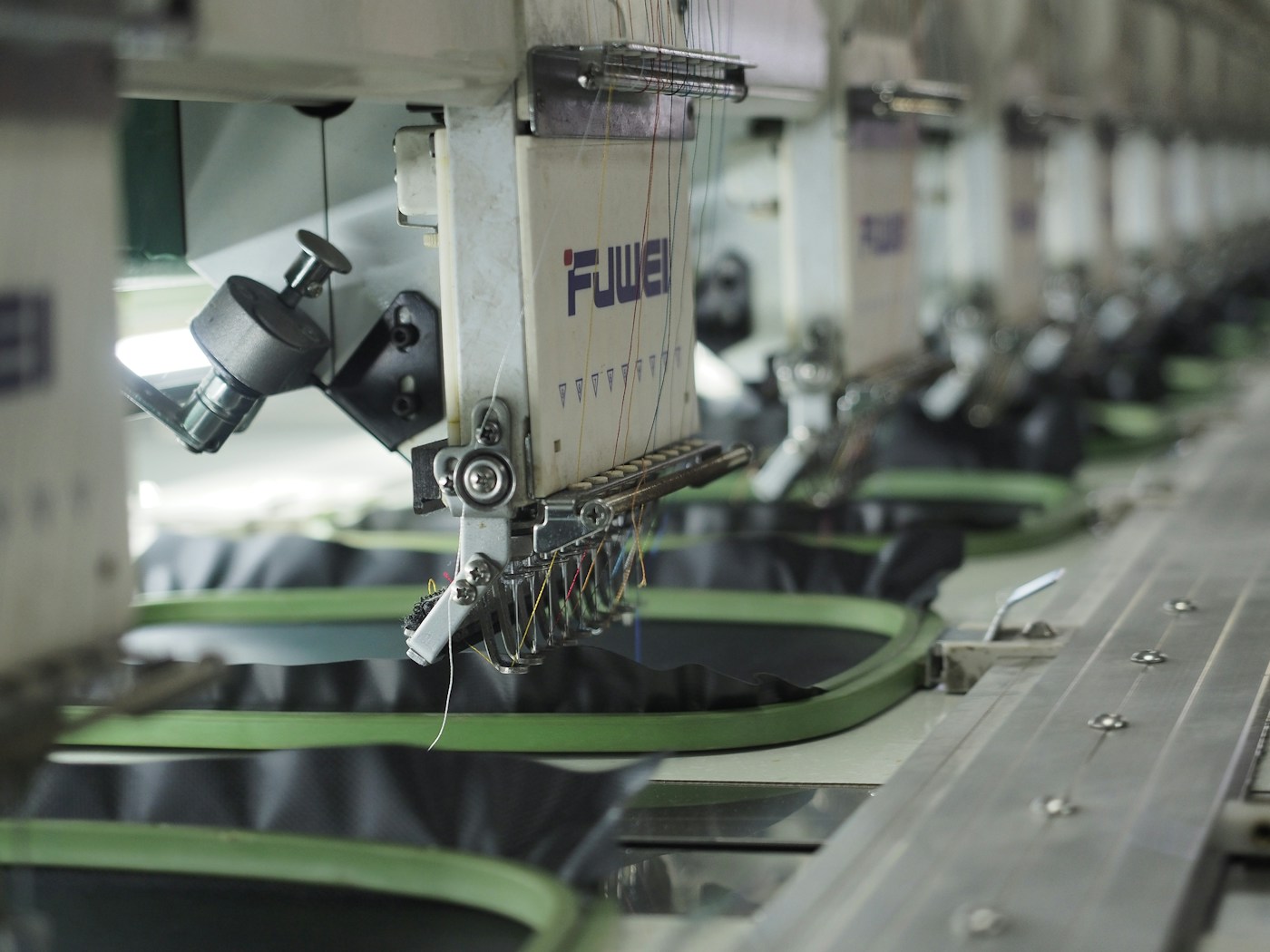
Embroidery isn't really made for lightweight cotton tees — the stitches can pull and pucker on thin fabric — but on structured garments it's unbeatable, and it's the only real option for a cap. There's a one-time digitizing step to convert your logo into stitch data, after which we can run it on as many pieces as you like. It's a favourite for Ottawa businesses that want branded staff wear, and you can see the full picture on our embroidery page.
Names, numbers and true one-offs: heat-transfer vinyl
When the job is a name across the back, a number, or a line of single-colour text — and especially when every shirt is different — heat-transfer vinyl is the tool. We cut coloured vinyl into the exact shapes of your letters, weed away the excess, and press it onto the fabric. It's crisp, it's fast, and it's perfectly happy doing a quantity of one, which is why it's how the names and numbers land on the back of a sports jersey.
Vinyl has limits worth knowing. It's built for solid colours and clean shapes, not photos or fine gradient detail, and a very large solid area can feel a little heavy on a light shirt. But for personalizing a batch where each garment carries a different name — a bridal party, a staff roster, a team — it's the most direct way there is to make each shirt one-of-a-kind.
Beyond the graphic: tags, sleeve hits, tone-on-tone and finishing touches
The front-chest logo is only the beginning. The details that make a customized shirt look like a real product usually live everywhere except the middle of the chest. A few of the finishing touches customers love once they know they exist:
- Sleeve hits — a small logo, hashtag or date down the sleeve, great as a subtle second placement.
- Tone-on-tone prints — ink one shade off the shirt colour (black on black, white on cream) for an understated, high-end look.
- Tag relabeling — remove the manufacturer's neck tag and print or stitch your own brand there instead.
- Nape and hem prints — a tiny mark below the back collar or along the bottom hem for that finished, retail feel.
- Left-chest sizing — a small crest-style logo instead of a big front print reads far more professional on staff wear.
None of these are expensive add-ons on their own; they're mostly about placement and intention. When we build a mockup we'll often suggest one or two, because a well-placed sleeve hit or a tone-on-tone back print is frequently what separates a shirt that looks homemade from one that looks designed.
Customizing a single shirt vs a whole batch
The single biggest factor in how we customize your shirt isn't the artwork — it's the quantity. Customizing one shirt and customizing fifty are almost different jobs. For a one-off or a handful, DTF and vinyl win because they have no setup to amortize; a single personalized tee usually lands somewhere in the ballpark of $15–$30 depending on the design. For a batch, screen printing takes over: the per-shirt cost can drop toward roughly $6–$10 per garment once you're into the dozens, because the screen setup is spread across the whole run.
There's a middle zone — say a dozen to two dozen shirts — where DTF and screen printing land close on price, and the deciding factors become colour count, whether the design needs photographic detail, and how the print should feel on the shirt. That's exactly the judgement call we make for you every day. If you want the full method-by-method breakdown, we cover the four printing methods in their own guide, and our t-shirt printing service covers all of them under one roof here in Ottawa.
Not sure which way to customize your tee? Drop your design into our free online studio, put it on a real shirt in your colour, and we'll recommend the method that costs the least for your quantity — no account, no payment required.
Open the free mockup studioDesign and preview your own
You don't have to decide any of this in advance. The easiest way to see how to customize a t-shirt is to actually try it: our free mockup studio lets you pick a garment and colour, drop in your logo or photo, position it on the chest, sleeve or back, and see a realistic preview before you commit to anything. Upload the artwork you have — even a rough logo off your website — and we can usually clean it up on our end.
Once you've got a mockup you like, send it over with your quantity and we'll recommend the right method, whether that's print, stitch or vinyl, and quote it — usually the same day. That's the whole point of doing this in Ottawa with a real shop behind the screen: you get a second opinion from people who make these shirts every single day.
Frequently asked questions
Can I customize just one t-shirt?
Absolutely — one shirt is no problem for us. DTF (direct-to-film) has effectively no minimum, so we can print a single full-colour tee the same way we'd print a hundred. If it's a name or a single-colour graphic, heat-transfer vinyl is just as easy for a one-off. The only method that struggles at a quantity of one is screen printing, because the setup cost gets spread across a single garment.
What is the cheapest way to personalize a shirt?
For a single garment, the cheapest way to personalize a shirt is usually heat-transfer vinyl for text or DTF for a small graphic — often somewhere in the ballpark of $15–$30 all-in on a single tee. If you're doing a batch, screen printing gets dramatically cheaper per shirt once you're past a couple of dozen. The honest answer is that the cheapest method depends entirely on how many shirts and how many colours you need, so send us the details and we'll price it every way.
Can you add a name to the back of a shirt?
Yes, and it's one of the most common jobs we do. A name and number on the back of a jersey is classic heat-transfer vinyl work — crisp, single-colour and fast, even for one shirt. If every shirt in the order has a different name, we set each one up individually, which is exactly how sports and staff orders come through the shop.
What is the difference between customize and personalize?
In everyday use they mean nearly the same thing, but there's a useful distinction. Customizing usually means putting your own design, logo or artwork on a shirt, while personalizing usually means adding an individual detail like a name, a date or a number that's unique to one person. A custom team tee with everyone's name on the back is really both at once — customized design, personalized names.
What is the best method to put a photo on a shirt?
For a full-colour photograph, DTF is the method we reach for almost every time. It reproduces gradients, skin tones and fine detail cleanly with no extra charge for colour count, and it works on a single shirt or a big run. Screen printing can do photo-real work at high quantities, but for a photo on one or a few tees, DTF is faster, sharper and cheaper.
Ready to customize your own shirt?
Build a mockup, add your design or a name, and see it on a real tee in your colour. We'll recommend the right method and quote it — usually the same day.
Start your free mockup