
QR Codes on Business Cards: Size & Setup
How to put a QR code on a business card, flyer or sign: the minimum size that scans, the quiet zone, error correction, what to link and how to test it first.
- Minimum size on a card (our guideline)
- About 0.8″ × 0.8″ (2 cm) for a short link, and 1″ (2.5 cm) for a contact card, a long link or a logo in the centre.
- Scan distance (our guideline)
- Allow about 1″ of code width for every 10″ of distance: a 3″ code on a poster reads from about 30″, a 6″ code on a lawn sign from about 5 ft.
- Quiet zone (our guideline)
- A plain light margin about four modules wide on every side of the code, with the code and margin together kept inside the card's 1/8″ safe area.
- Error correction
- QR codes have four levels that can restore about 7% (L), 15% (M), 25% (Q) or 30% (H) of the data. A logo in the centre relies on this, typically at level H.
- Code grid
- QR codes come in versions 1 to 40; version 1 is 21 × 21 modules and each version adds 4 modules per side (4 × version + 17). More data means more, smaller modules at the same printed size.
- Printing
- Business cards are 3.5″ × 2″ on 16pt extra-thick card, 100–5,000 online. You approve a proof before you pay, a human designer checks every file, and print turnaround is 5–7 business days, then shipped.
Should a business card have a QR code?
Add a QR code to a business card when it opens something the card cannot hold: your contact details saved in one tap, a booking page, a portfolio or a reviews page. Leave it off when it would only open your home page, which the printed web address already does.
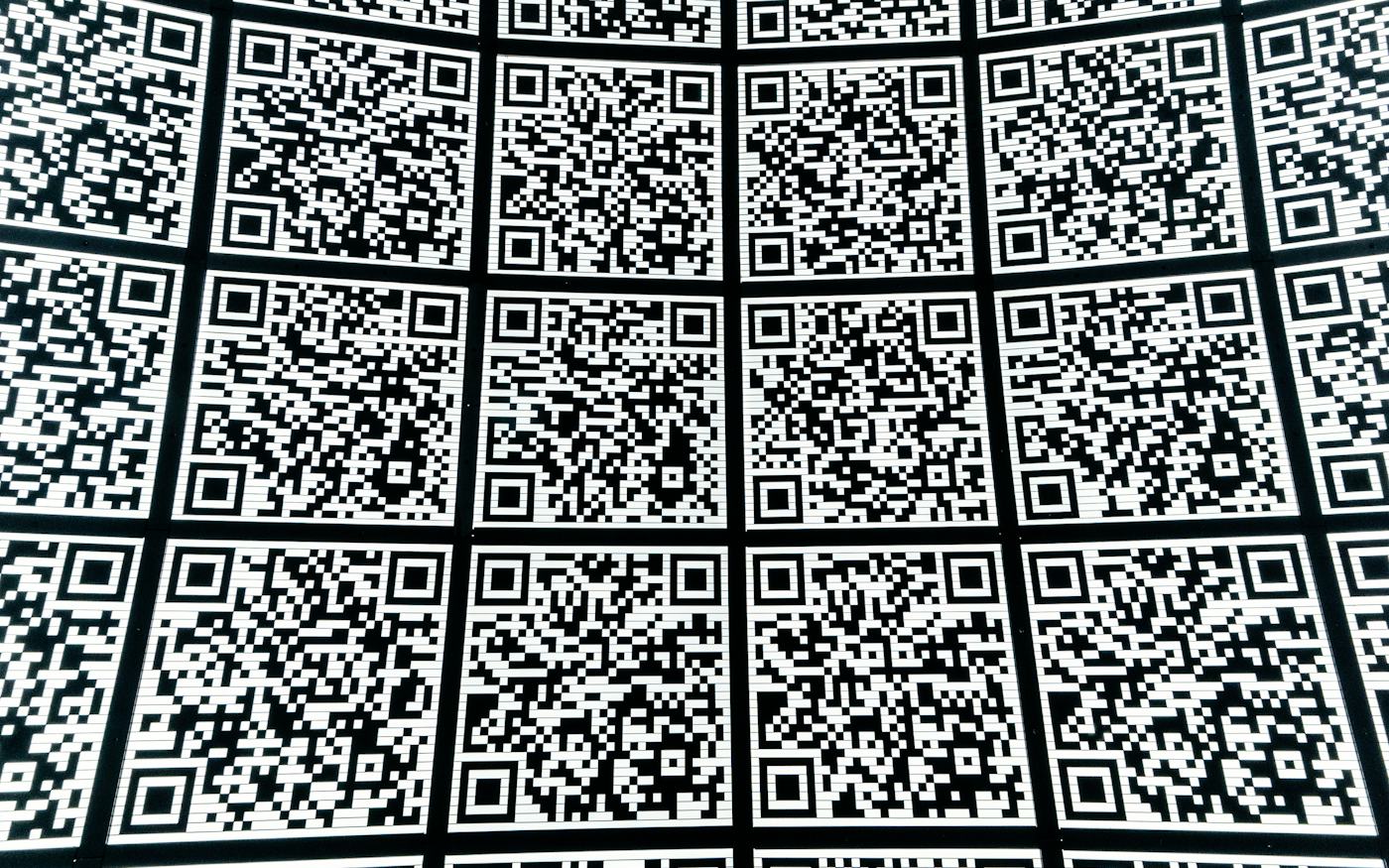
A QR code is a square grid of black and white modules that a phone camera reads. It was invented in 1994 by a Denso Wave team led by Masahiro Hara to track automotive parts, and the format is now the international standard ISO/IEC 18004.
When no: the link will change and you cannot redirect it (see static vs dynamic below).
What should the QR code on a business card link to?
Link the code to one page that does one job, chosen for the person holding the card.
Quick picks: what should a scan do?
Save my contact
A vCard contact file or a contact page
Book a time
Your booking page
See my work
A portfolio page built for phones
Leave a review
Your reviews page
A contact code can hold a vCard, the contact-card format phones understand, so one scan adds you to the address book. It works without a website, but it packs every character of your details into the code. That makes the grid denser, so print it at 1″ rather than 0.8″.
Static vs dynamic codes. A static code stores the final web address itself. It works for as long as that address works, but it cannot be changed once printed. A dynamic code stores a short redirect address, and a service forwards each scan to the page you choose, so you can change the destination later. The trade-off is that every scan depends on that redirect service staying active. A middle path: a static code pointing to a page on your own domain, such as yourdomain.ca/card, which you can redirect yourself at any time.
Minimum QR code size and the quiet zone
Our shop guideline for a QR code on a business card is at least about 0.8″ (2 cm) square, with a plain light margin, the quiet zone, about four modules wide on every side. There is no single minimum that fits every code, because the size a phone needs depends on how much data the code holds and how far away it is read.
0.8″
Smallest code on a card (our guideline)
1:10
Code width to scan distance
21 × 21
Modules in a version 1 code
30%
Data level H can restore
Longer links need bigger codes. QR codes come in versions 1 to 40. Version 1 is 21 × 21 modules, and each version adds 4 modules per side. A long web address pushes the code to a higher version, so at the same printed size each module is smaller and harder to read. Shorten the link, or print the code larger.
Scale with distance. Our guideline for signs and posters is about 1″ of code for every 10″ between the phone and the print.
| Product | Suggested QR size (our guideline) | Typical scan distance |
|---|---|---|
| Business card, 3.5″ × 2″ | 0.8–1″ (2–2.5 cm) | In the hand, 6–10″ |
| Door hanger, 3.5″ × 8.5″ to 4.25″ × 11″ | 1–1.25″ | In the hand, 10–12″ |
| Flyer, 4.25″ × 5.5″ or 5.5″ × 8.5″ | 1–1.25″ | In the hand, 10–12″ |
| Flyer, 8.5″ × 11″ to 11″ × 17″ | 1.5–2″ | Hand or board, 15–20″ |
| Poster, 18″ × 24″ | About 3″ | About 30″ |
| Poster, 24″ × 36″ | About 4″ | About 40″ |
| Lawn sign, 18″ × 24″ or 24″ × 36″ | 6–8″ | On foot, 5–6.5 ft |
Error correction levels and a logo in the middle
Every QR code carries spare data so it still scans when part of it is scuffed or covered, and you choose how much when you make the code. A logo in the centre works only because of this: the logo hides modules, and error correction fills them back in.
| Level | Data it can restore | Use it for |
|---|---|---|
| L | About 7% | Clean, protected prints where the smallest code matters |
| M | About 15% | Everyday print: cards, flyers, door hangers |
| Q | About 25% | Signs outdoors and prints that get handled |
| H | About 30% | A logo in the centre of the code |
Higher levels add modules for the same link, so a level H code with a logo should be printed at the top of the size range: 1″ on a business card rather than 0.8″. Keep the logo small and centred, never over the three large corner squares the phone uses to find the code.
Contrast and colour: what scans and what does not
Print the code dark on light: black or a deep brand colour on white or a pale background. That is the combination phone cameras are built to read.
- No reversed codes. Light modules on a dark background are not read by every scanner. On a black card, put the code on a white panel.
- No busy photos behind it. Give the code a solid panel; a photo behind the modules confuses the camera.
- Strong contrast only. Yellow, light grey or pastel modules on white look fine on a screen and fail in a dim room.
- Plain ink, not shine. Keep Gold Foil and Spot UV off the code; reflective finishes can glare into the camera.
- Keep it square. Never stretch or skew the code to fit a space.
Where to put a QR code on a 3.5″ × 2″ card
Put the QR code on the back of the card, label it with what the scan does, and print the web address as text beside it. The front stays for your name; the back has room for a 0.8–1″ code and a line of text.
- A call to action. “Scan to save my contact” or “Scan to book” tells people why to scan. An unlabelled code gets ignored.
- The address as text. Some people will not scan. Print the short web address under or beside the code.
- Inside the safe area. The code and its quiet zone stay inside the 3.25″ × 1.75″ safe area, at least 1/8″ from the trim. Our business card size guide has the full layout.
- One code. Two codes on a card make people choose. Pick the one link that matters most.
For the rest of the card, from what to put on it to finishes, see our guide to business card design.
How to test a QR code before you approve the proof
Test the code at its real printed size, on more than one phone, in ordinary light, before you approve the proof. A code that scans from a big monitor can fail at 0.8″.
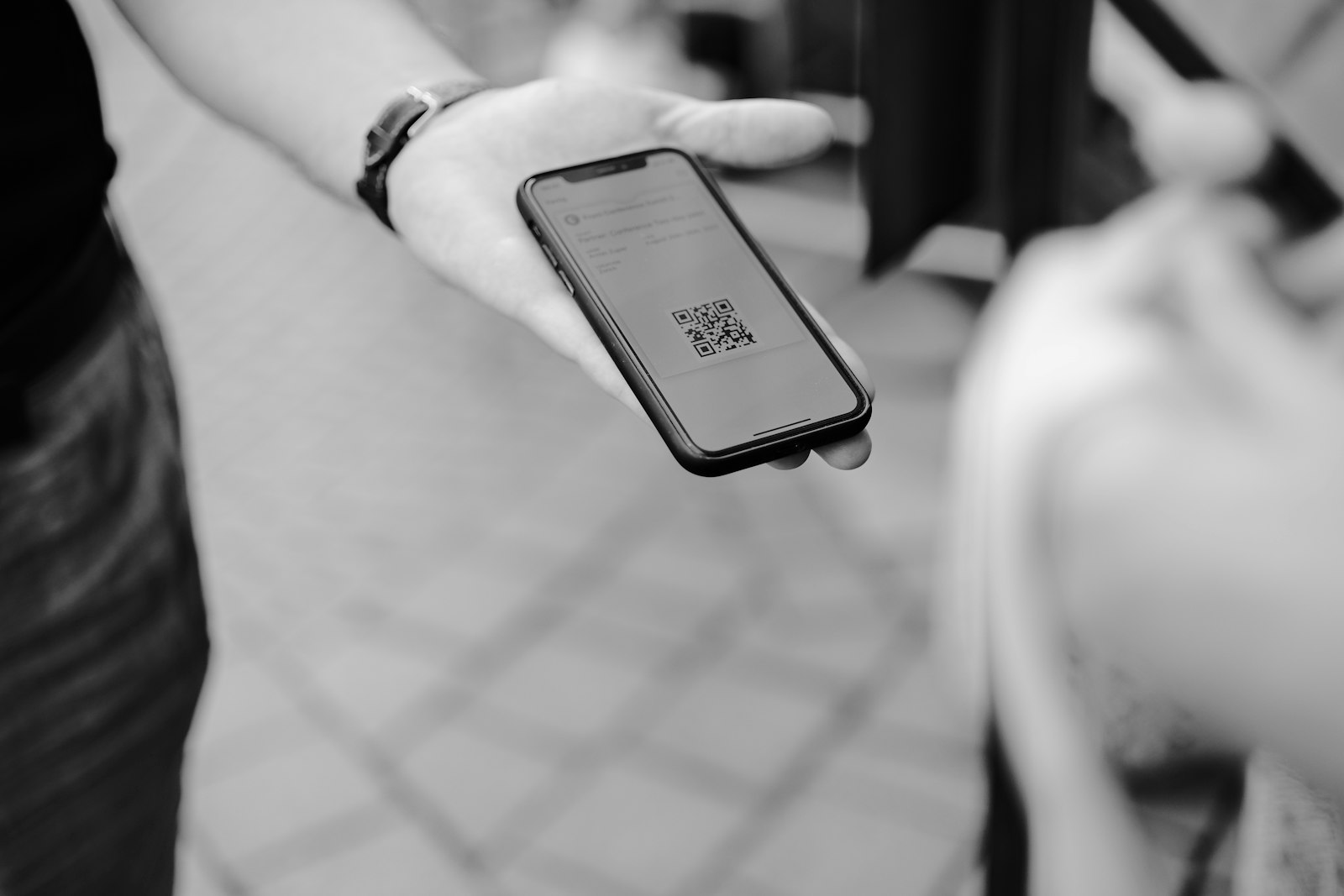
Print the design on an office printer at 100% scale, not “fit to page”. Scan it with two or three phones, both iPhone and Android, using the built-in camera, at arm’s length and under a dim lamp. Then open the page it lands on and check it works on a phone: the right page, loading quickly, with nothing to pinch and zoom.
Every order gets a proof before you pay, and a human designer checks the file. A designer can flag a code that is too small, too close to the trim or low in contrast, but cannot know whether the link goes where you intend. Testing the destination is yours to do.
QR codes on flyers, posters, door hangers and lawn signs
The same rules scale up: the farther away people stand, the bigger the code. Here is each product we print, from the hand to the sidewalk. Tap one to jump to its card.
Sizes are our shop guideline, based on about 1″ of code for every 10″ of distance.
Business cards: 0.8–1″ on the back
3.5″ × 2″ · 16pt extra-thick card · 100–5,000 online
Read in the hand, 6–10″ from the phone: 0.8″ for a short link, 1″ for a contact card or a centre logo, all inside the 3.25″ × 1.75″ safe area.
Design and order the card in the business card studio, front only or both sides.
Door hangers: 1–1.25″, below the hole
3.5″ × 8.5″, 4.25″ × 11″ or 5.5″ × 8.5″ · 14pt gloss · 25–10,000 online
A door hanger is picked off the handle and read in the hand. Keep the top 2″ clear for the hole, and put the code in the lower half next to the offer it opens, such as a booking page or a coupon.
Our guide to door hanger advertising covers routes, timing and what to print.
Flyers: 1–2″ next to the offer
4.25″ × 5.5″ to 11″ × 17″ · 100lb gloss · 25–20,000 online
A letter or tabloid flyer is often read on a bulletin board from 15–20″ away, so it needs 1.5–2″. Put the code beside the offer and say what a scan does.
Print them in the flyer studio, and see whether flyers still work for the numbers behind a campaign.
Posters: 3–4″ where a phone can reach
11″ × 17″ up to 36″ × 24″ · satin poster paper · 1–400 online
People scan a poster from two or three feet away, standing up. A 3″ code reads from about 30″ and a 4″ code from about 40″. Put it in the lower half of a tall poster, not at the very top, so it sits at phone height once the poster is hung.
Keep it 1/4″ or more inside the trim, the safe area we use on posters.
Lawn signs: 6–8″, for people on foot
16″ × 24″, 18″ × 24″, 24″ × 36″ or custom up to 48″ × 96″ · 4mm coroplast · 1–2,000 online
A 6″ code reads from about 5 ft, an 8″ code from about 6.5 ft. Nobody scans from a moving car, so the sign’s main message and a short web address still need to read on their own. Keep the code 1/2″ inside the edge, the safe area on our lawn signs.
Our coroplast signs guide explains the material and the sizes.
Big runs are our focus. Quantities beyond the online studio’s top run are quoted directly through the free quote form, by phone at 613-666-YAYA (613-666-9292) or at order@yayaprints.ca, with the same proof and designer check. Print turnaround is 5–7 business days, then shipped across Canada, priced for your postal code at checkout.
Frequently asked questions
What is the minimum size for a QR code on a business card?
Our shop guideline is at least about 0.8″ (2 cm) square for a short link, and 1″ (2.5 cm) for a contact card, a long link or a logo in the centre, with a clear light margin on every side. The code and margin stay inside the card's 1/8″ safe area.
Where should a QR code go on a business card?
On the back of the 3.5″ × 2″ card, with a short call to action such as "Scan to book" and the web address printed as text beside it. Keep it inside the safe area, at least 1/8″ from the trim, and use only one code per card.
What should a business card QR code link to?
One page that does one job: a vCard that saves your contact, a booking page, a portfolio or a reviews page. If the code would only open your home page, the printed web address already does that.
Can I change where a printed QR code goes?
Not if it is a static code: it stores the final address and cannot be changed once printed. A dynamic code points to a redirect you can change later, but depends on that redirect service. A static code to a page on your own domain lets you redirect it yourself.
Can I put a logo in the middle of a QR code?
Yes, with high error correction. Level H can restore about 30% of the data, which lets a small centred logo cover some modules. Keep the logo off the three corner squares, print the code at 1″ or more on a card, and test it.
How big should a QR code be on a poster or sign?
Our guideline is about 1″ of code for every 10″ of scanning distance: about 3″ on an 18″ × 24″ poster, about 4″ on a 24″ × 36″ poster and 6–8″ on a lawn sign read from the sidewalk. People in cars cannot scan, so print a short web address large too.
Set it up yourself. A human designer still checks every order.
Our print studio gives you the price and a proof in the browser. What it doesn't do is print your file blindly — every order is reviewed by a real designer before it reaches the press.
- Step 1You set it up — free
Pick the product, size and quantity in the print studio, then upload your file or start from a ready-made design. The price shows before you pay, with no account and no deposit.
- Step 2A human designer checks it
Before anything prints, one of our designers opens your file and checks resolution, colours, sizing and placement. If it won't print well, we fix it or tell you exactly what's wrong — a person, not an automated preflight.
- Step 3You approve, then we print
You see the proof before you pay. Nothing goes to press until you say yes — then it's printed in 5–7 business days and shipped, with shipping priced for your postal code at checkout.
Print business cards with a QR code that scans
Design the card in the studio, put the code on the back, and approve a proof before you pay. A human designer checks the size and placement. Ordering cards or campaign print in bulk? Send the details for a direct quote.
Every order is reviewed by a human designer before it goes to press. A person checks artwork resolution, colour, sizing and placement, and either fixes the file or tells the customer what is wrong — it is not an automated preflight.