
Banner Design: Layout Rules for Vinyl Banners
Banner design rules for vinyl banners: how big letters must be to read at a distance, how many words fit, colour contrast, grommet margins and file setup.
- Banner sizes
- Six standard vinyl banner sizes: 2′ × 4′, 2′ × 6′, 3′ × 6′, 3′ × 8′, 4′ × 8′ and 4′ × 10′, ordered online from 1 to 100 banners.
- Material
- 13oz scrim vinyl, hemmed all round with grommets every 24″, or 15oz blockout vinyl. Double-sided banners need the 15oz blockout, whose opaque core stops the back design showing through the front.
- Safe margin
- Keep text and logos at least 1½″ in from every edge: the hem and grommets take the outer 1½″. A 4′ × 8′ banner leaves a text area of 93″ × 45″.
- Bleed
- None. Banners are printed at their exact size and hemmed, so the file is set to the finished size, or to an exact fraction of it.
- Resolution
- 100 DPI at full size is print-ready; under 50 DPI a banner prints visibly soft. A full-size 4′ × 8′ file at 100 DPI is 9,600 × 4,800 pixels.
- Large orders
- Dozens of banners for a multi-site rollout, or more than 100, are quoted directly through the free quote form, by phone at 613-666-9292 or by email at order@yayaprints.ca, with the same proof and human designer check as one banner.
- Turnaround
- 5–7 business days, then shipped across Canada with shipping priced for your postal code at checkout, or delivered locally across Ottawa–Gatineau. You see a proof before you pay.
How big should letters be on a banner?
Big enough for the farthest person who needs to read it, and the reliable way to know is to test the layout at scale. How easily a letter reads depends on how big it looks from where the reader stands, which is why viewing distance is one of the factors in legibility. The typeface, its weight and the contrast matter almost as much as the height.
As a layout rule, give the main line the largest share of the banner’s height you can while keeping it to one or two lines, set it in a heavy, plain typeface, and make everything else clearly smaller. Thin, condensed and script typefaces are the first to lose their shapes at a distance.
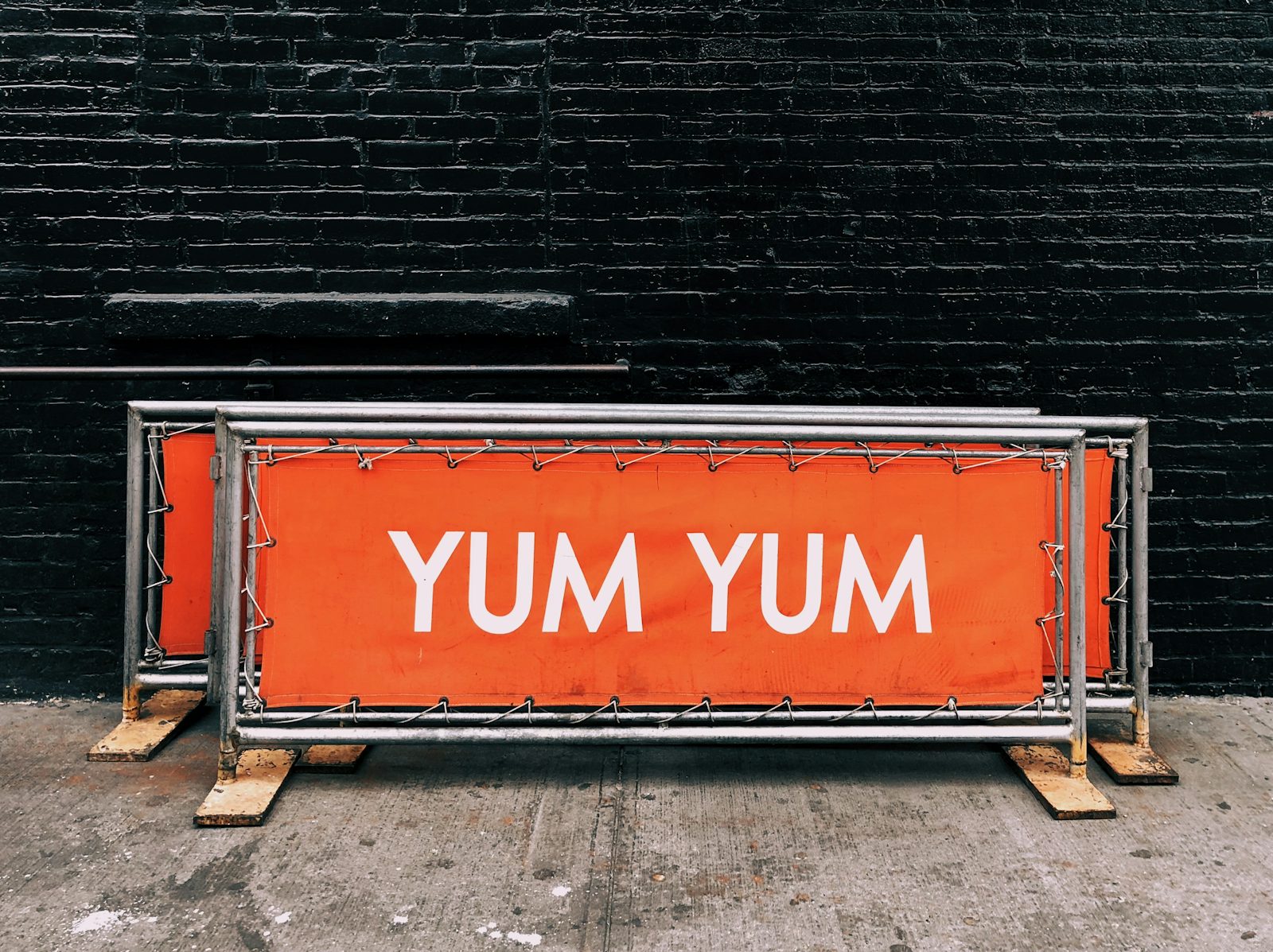
The 10-inch test. Print the design 10″ wide on ordinary paper, tape it to a wall at eye level and step back 10 feet. What you see is what a reader sees from as many feet away as the banner is inches wide. Can you read the main line and the phone number? If not, cut words and enlarge what is left.
| Banner width | Sizes | A 10″ print is smaller by | 10″ print from 10 ft looks like the banner from |
|---|---|---|---|
| 4′ (48″) | 2′ × 4′ | 4.8× | 48 ft |
| 6′ (72″) | 2′ × 6′, 3′ × 6′ | 7.2× | 72 ft |
| 8′ (96″) | 3′ × 8′, 4′ × 8′ | 9.6× | 96 ft |
| 10′ (120″) | 4′ × 10′ | 12× | 120 ft |
The test works because the print is that many times smaller than the banner and you are standing that many times closer. Step back to 5 feet to see the banner at half those distances. If drivers will read it, test from farther back than feels necessary: a driver gets a glance, not a read.
How many words should a banner have?
As few as the message allows: one main line of a few words, plus a name and one way to reach you. The banner’s size is fixed, so every word you add makes every other word smaller.
Write it as three levels, the way a headline works:
- The message: “Grand opening Saturday”, “Now hiring”, “Registration”.
- Who: your name or logo.
- The action: a short web address or a phone number.
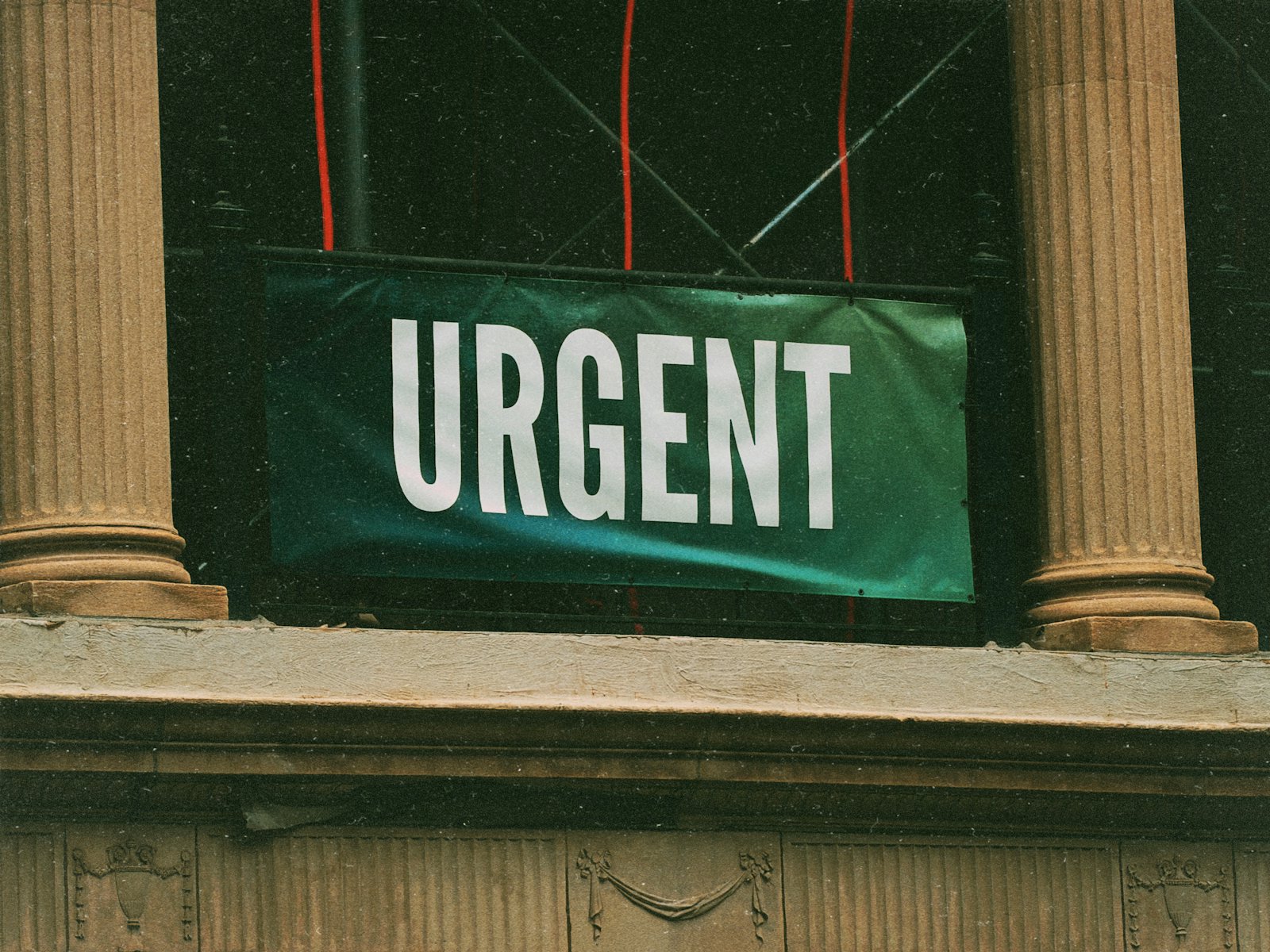
Anything beyond those three, such as a list of services, opening hours or a long slogan, belongs on a flyer or a website. Cut “Welcome to”, “We are”, “Your local” and any line that repeats the logo. Use the shortest web address you own, and drop “www.” and “https://”. A phone number is ten digits to read at a distance, so if it matters, give it a line of its own.
Single-sided or double-sided, and how do you design for wind?
Choose double-sided when people will see the banner from both sides, such as across a gate, a walkway or a fence between two lots, and single-sided when it hangs flat on a wall. Double-sided banners print on 15oz blockout vinyl, whose opaque core stops the back design showing through the front.
Design each side as its own face. The back is not a mirror of the front, and anything directional, such as an arrow, usually points the other way on the back. Check both sides on the proof.
Wind is the other thing a banner has to survive. A solid vinyl banner catches wind like a sail, so:
- Tie it off at every grommet, not just the corners.
- Pull it taut so it cannot flap and fold over on itself.
- Where you can, hang it flat against a fence, rail or wall rather than across an open gap.
- Check the ties after a windy day, and take the banner down before a storm.
A taut banner reads and a flapping one does not, which makes wind a design point as much as an installation one: big, central words survive a little movement; fine print near the edges does not.
Banner ideas by use: openings, sales, sponsors, teams, schools, sites
Most banners do one of a handful of jobs, and each job has a layout that works. Use these banner design ideas as starting points.
| Use | Size | What it says | Layout tip |
|---|---|---|---|
| Grand opening | 4′ × 8′ or 3′ × 6′ | “Grand opening”, the date, your name | Set the date almost as large as the words |
| Sale | 3′ × 6′ or 2′ × 6′ | “Sale” or the discount, the end date | One number big: the discount or the last day |
| Event sponsor | 3′ × 8′ to 4′ × 10′ | Sponsor logo, a short thank-you line | Logo large and centred; event name small |
| Sports team | 3′ × 8′ | Team name, crest, season or sponsor | Crest left, name right, team colours with strong contrast |
| School | 3′ × 6′ or 4′ × 8′ | “Welcome back”, registration, graduation | English and French on the same banner, in the same order every time |
| Construction hoarding | 4′ × 8′ or 4′ × 10′ | Builder name, the project, one contact | Name and project large; tie at every grommet |
Grand opening. The date is the news, so treat it as part of the headline. After the opening, a second banner with “Now open” keeps the momentum without reprinting the date.
Sale. Lead with the event, then who it is for, then the offer, each clearly smaller than the one before. That order is what makes a sale sign readable at a glance.

Event sponsor. Sponsors pay to be seen, so their logo is the headline. Collect every logo as vector artwork early, and size banners by sponsor tier; our event signage guide covers sponsor sizes and wayfinding for a whole event.
Teams and schools. Use the crest and colours people already know, and pick the pair with the most contrast for the words. In Ottawa, many schools and clubs put English and French on the same banner; keep the two languages the same size and in the same order on every banner.
Construction hoarding. A site banner works on a fence for months, so it needs a short message, a single contact and ties at every grommet. Our construction signs page covers the other signs a site needs.
Frequently asked questions
How big should the letters be on a banner?
Big enough for the farthest reader, so test it: print the design 10 inches wide and view it from 10 feet, and you see what a reader sees from as many feet away as the banner is inches wide, such as 96 feet for an 8-foot banner. Give the main line the largest share of the height in a heavy, plain typeface, and keep the words few.
How many words should go on a banner?
One main line of a few words, your name or logo, and one way to reach you, such as a short web address or phone number. Every word you add makes the others smaller. Lists of services and opening hours belong on a flyer.
How far from the edge should text be on a vinyl banner?
At least 1½″ from every edge. YAYA Prints' 13oz vinyl banners are hemmed with grommets every 24″, and the hem and grommets take the outer 1½″. On a 4′ × 8′ banner that leaves a text area of 93″ × 45″.
Do vinyl banners need bleed?
No. Banners are printed at their exact size and hemmed rather than cut from a larger sheet, so the file is set to the finished size, such as 96″ × 48″ for a 4′ × 8′, with the background running right to the edge.
What resolution does a banner file need?
100 DPI at the finished size is print-ready, and under 50 DPI it prints visibly soft. A full-size 4′ × 8′ file is 9,600 × 4,800 pixels; a file built at quarter size needs 400 DPI to reach the same pixel count. Logos and text are best as vector artwork.
Can a vinyl banner be printed on both sides?
Yes. Double-sided banners print on 15oz blockout vinyl, whose opaque core stops the back design showing through the front. Design each side as its own face, and check on the proof that text and arrows read the right way from the back.
Set it up yourself. A human designer still checks every order.
Our print studio gives you the price and a proof in the browser. What it doesn't do is print your file blindly — every order is reviewed by a real designer before it reaches the press.
- Step 1You set it up — free
Pick the product, size and quantity in the print studio, then upload your file or start from a ready-made design. The price shows before you pay, with no account and no deposit.
- Step 2A human designer checks it
Before anything prints, one of our designers opens your file and checks resolution, colours, sizing and placement. If it won't print well, we fix it or tell you exactly what's wrong — a person, not an automated preflight.
- Step 3You approve, then we print
You see the proof before you pay. Nothing goes to press until you say yes — then it's printed in 5–7 business days and shipped, with shipping priced for your postal code at checkout.
Print your vinyl banner
Pick one of six sizes, upload your design and see the price for every quantity from 1 to 100 before you pay. Multi-site rollouts are quoted directly.
Every order is reviewed by a human designer before it goes to press. A person checks artwork resolution, colour, sizing and placement, and either fixes the file or tells the customer what is wrong — it is not an automated preflight.