
What Is Screen Printing? How It Works on Shirts
What screen printing is, how it works step by step on shirts and hoodies, when it beats DTF or DTG, colour limits, minimums and why big runs cost less a shirt.
- What it is
- Ink pushed through a fine mesh stencil (the screen) onto the garment with a squeegee, one screen per ink colour, then heat-cured so the ink bonds to the fabric.
- Best at
- Bold, solid spot colours on cotton tees, long sleeves and hoodies, and the same design on dozens or hundreds of garments.
- Limits
- Every extra ink colour is another screen and another setup, and so is every extra print location. Photos and gradients have to be converted to halftone dots.
- Minimum
- No minimum on DTF and DTG — we will print a single shirt. Screen printing starts around 6 pieces and becomes the best value past roughly 24–50 pieces.
- Large orders
- Large orders get volume pricing. In the online design studio the per-piece price drops at 12, 24, 50 and 100 pieces, and every colour of the same garment in one order counts toward the same price break. Orders in the hundreds are usually screen printed and quoted directly — through the free quote form, by email or by phone — and a large order gets the same free mockup and human designer check as a single shirt.
- Colour matching
- Screen printing inks are mixed to Pantone, so brand colours match across the run and on every reorder.
- Turnaround
- Standard turnaround on clothing is 1–2 weeks, and every order shows the dates it will be ready before you pay.
What is screen printing?
Screen printing is printing through a stencil. A screen is a frame with fine mesh stretched tight across it. Most of the mesh is blocked with a hardened coating, and the parts left open are the shape of your design. Ink is spread across the screen, a rubber squeegee pushes it through the open mesh, and the design lands on the shirt underneath. One screen prints one colour, so a three-colour logo needs three screens, printed one after another in exactly the same spot.
It is the oldest of the common shirt-printing methods and still the standard way to put the same design on a lot of garments. You will also hear it called silk screening or a screen print: the mesh was originally silk, and today it is a synthetic mesh. The Wikipedia article on screen printing covers its long history in art and industry.
Three things follow for anyone ordering shirts: the ink colours set the setup, the quantity sets the price per shirt, and solid shapes print best, because a stencil either lets ink through or it does not.
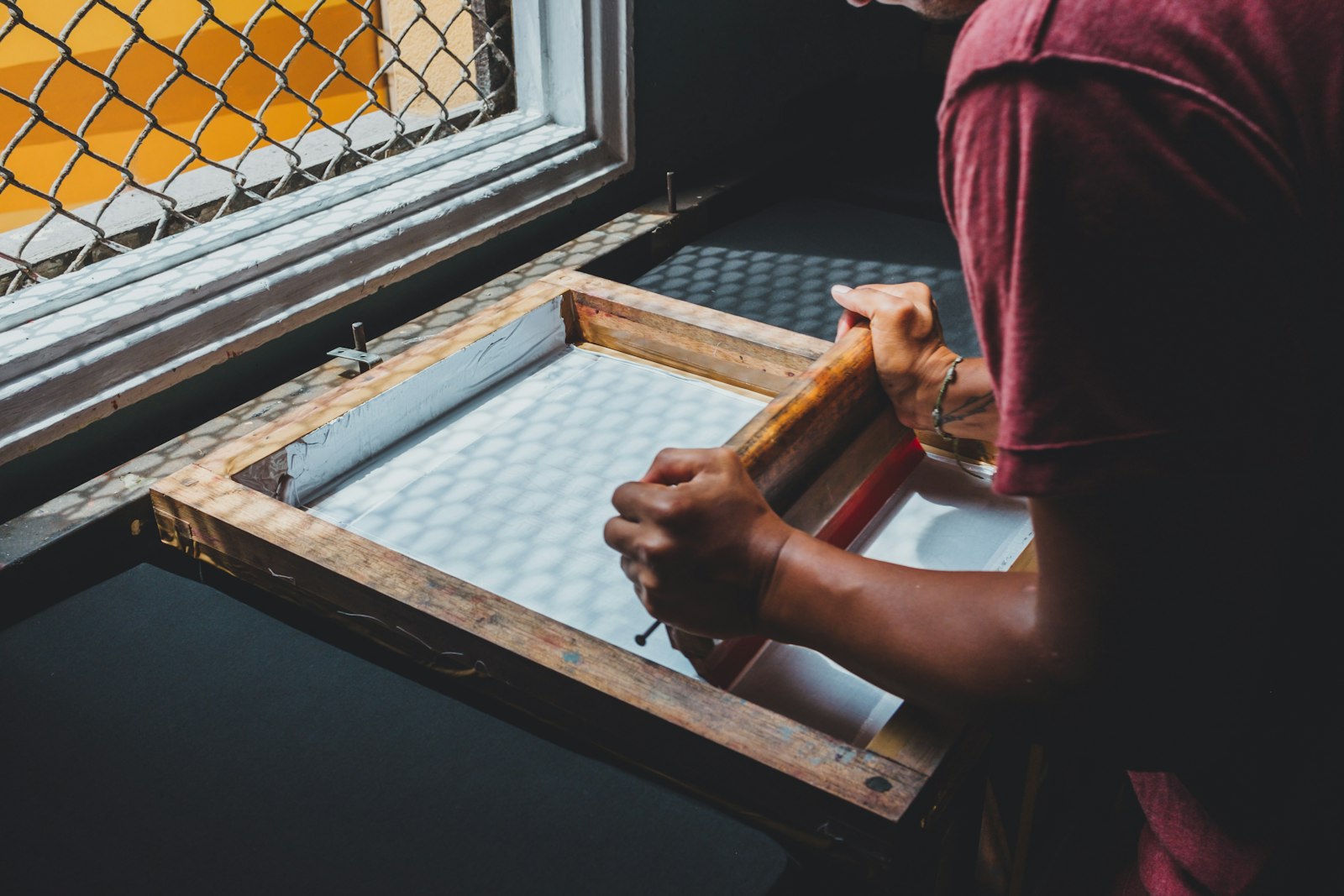
How does screen printing work? The process step by step
Screen printing on shirts takes eight steps. Steps 1 to 4 make the screens and happen once per design; steps 5 to 8 happen on the press, and the same screens print every shirt in the run. That split is the whole economics of the method.
- Separate the art by colour. The design is split into one layer per ink colour. On a dark shirt, a white base layer (the underbase) goes down first so the colours on top stay bright, and it counts as a colour of its own.
- Print the films. Each colour layer is printed in solid black on clear film, at the exact size it will print on the shirt.
- Coat and expose the screen. The mesh is coated with a light-sensitive emulsion and dried. The film is laid on it and the screen is exposed to light, which hardens the emulsion everywhere except where the black art blocked it.
- Wash out the stencil. Water rinses away the soft, unexposed emulsion, leaving open mesh in the shape of that colour. That is the stencil.
- Register the screens on the press. Each screen is clamped into its own head on the press and lined up with the others, so every colour lands exactly where it should. The shirt is smoothed onto a flat pallet underneath.
- Flood and print, one colour at a time. Ink is pooled on the screen. A light flood stroke fills the open mesh, then the print stroke presses the squeegee down and pushes the ink through onto the shirt. The next screen prints the next colour.
- Flash between colours on dark garments. A flash dryer briefly sets the white underbase so the next colour can print on top of it without smearing.
- Cure in a dryer. The shirt rides a conveyor through a heated dryer, which cures the ink at the temperature the ink calls for so it bonds to the fabric and survives washing. An under-cured print is a common reason a screen print cracks or peels.
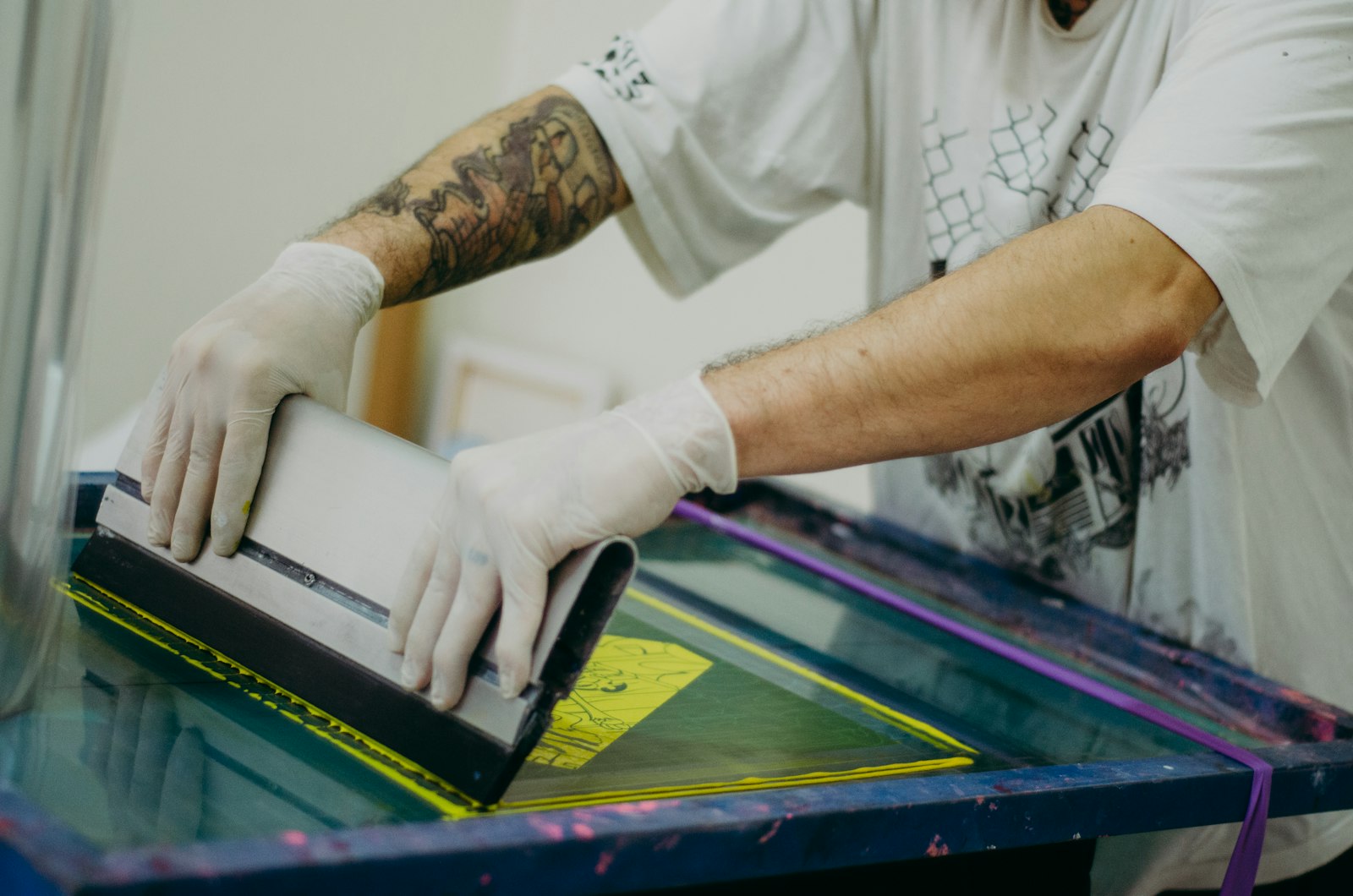
What is screen printing best at, and where are its limits?
Screen printing is best at bold, solid colour repeated across many garments; its limits are photos, gradients and designs with a lot of colours. Here is why, in practical terms.
Bold spot colours. Each screen prints one solid ink, called a spot colour, mixed to match your brand. Our screen printing inks are mixed to Pantone, so a logo prints in the same colour across a run of hundreds and again on a reorder months later. Logos, team crests, wordmarks and simple illustrations are the ideal screen-printing art.
Big runs. Once the screens are made, each extra shirt is just a few more strokes of the squeegee, which is why orders in the hundreds are usually screen printed.
Durability and punch. A properly cured screen print is bonded to the fabric and holds up to years of washing, and over a white underbase bright colours stay opaque on black and navy shirts. Most shirt printers use plastisol inks, which sit on the fibres; water-based inks soak into the cotton for a softer feel.
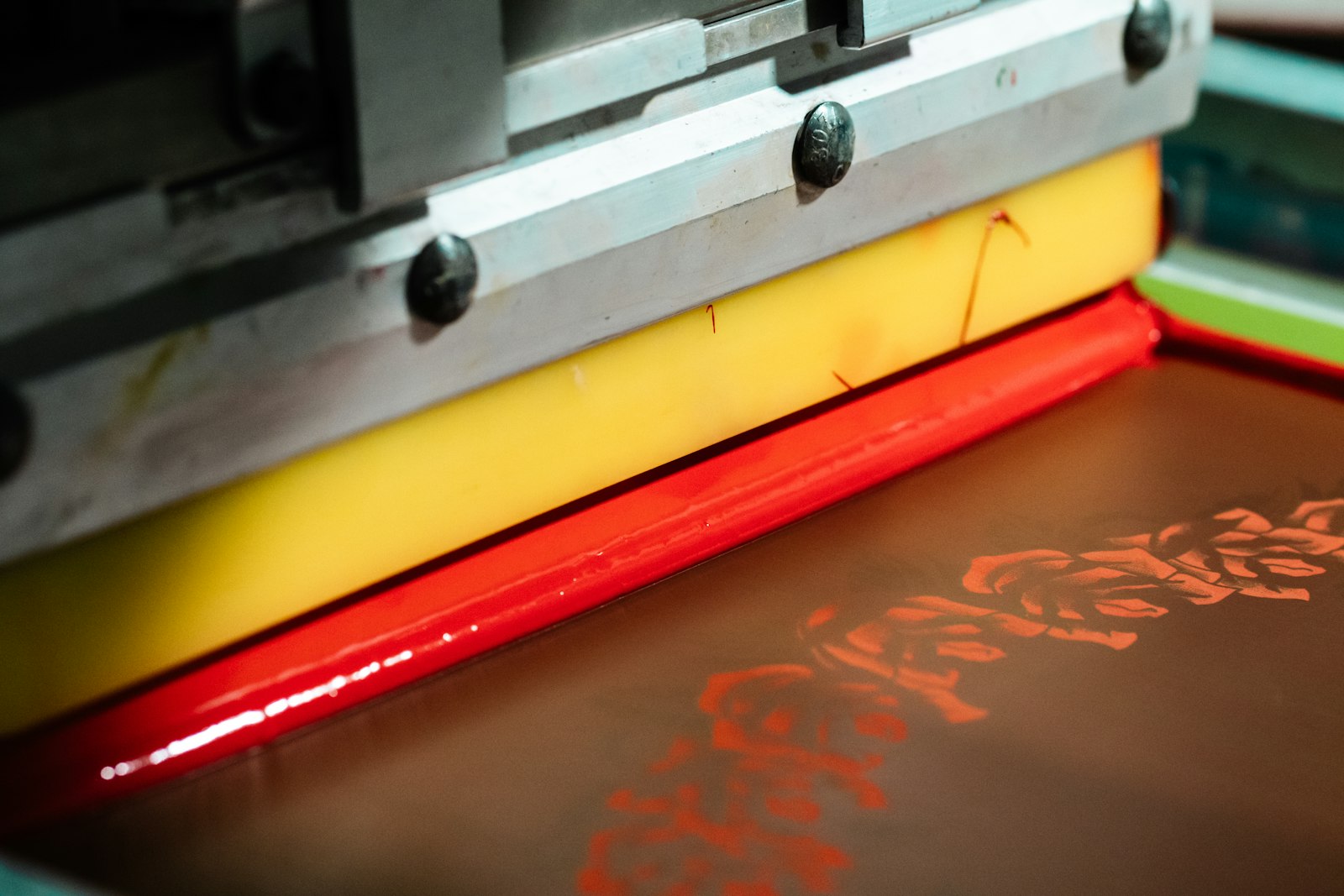
The limits. A stencil cannot print a smooth fade, so photos, gradients and soft shadows have to be converted into halftone dots, the way a newspaper prints a photo; it works, but fine detail can look coarse up close. Every extra ink colour is another screen and another setup, and so is every extra print location. Very fine lines and tiny text can fill in. And because every shirt gets the same stencil, individual names and numbers are usually added in heat transfer vinyl.
Screen printing vs DTF vs DTG vs heat transfer
Screen printing wins on simple designs in quantity; DTF and DTG win on full-colour art and small runs; heat transfer vinyl wins on names, numbers and one-offs. The table puts the four side by side.
| Question | Screen printing | DTF | DTG | Heat transfer vinyl |
|---|---|---|---|---|
| How it works | Ink pushed through a mesh stencil, one screen per colour | Design printed on film, backed with adhesive powder, heat-pressed on | Inkjet prints water-based ink into the fabric | Coloured vinyl cut to shape and heat-pressed on |
| Quantity | From about 6; best value past roughly 24–50 | From 1 | From 1 | Small runs and personalisation |
| Colours | Each colour adds a screen; best with a few spot colours | Full colour at no extra setup | Full colour at no extra setup | One vinyl layer per colour |
| Photos and gradients | Possible with halftone dots | Yes | Yes | No |
| Feel | A layer of ink; heavier on dark shirts with an underbase | A thin, smooth film | The softest; ink soaks into the cotton | The heaviest; a layer of vinyl |
| Fabrics | Cotton best; blends and fleece print well | Cotton, polyester and blends | Cotton and cotton-rich only | Most fabrics |
Screen printing vs heat transfer. “Heat transfer” covers anything made separately and then pressed onto the shirt with heat: vinyl cut from coloured sheets, DTF film transfers, even transfers that were themselves screen printed onto paper. Direct screen printing puts the ink straight onto the shirt. For the same design on many shirts, direct screen printing is usually cheaper per shirt and wears into the fabric rather than sitting on it as a separate layer. Heat transfers suit small runs and anything that changes from shirt to shirt.
For the digital methods in depth, read what DTF printing is and what DTG printing is. If you are choosing between the two most common bulk options, see DTF vs screen printing, and the t-shirt printing methods guide adds embroidery to the comparison.
Screen printing minimums: why the price per shirt falls with quantity
Screen printing has a minimum because most of its cost is setup, and setup costs the same whether you print 6 shirts or 600. Separating the art, burning a screen for each colour and registering the press are done once per design. Spread over 6 shirts, that setup is a big share of each shirt’s price; spread over 300, it nearly disappears. So screen printing starts around 6 pieces and becomes the best value past roughly 24–50 pieces.
1–5 shirts
- DTF or DTG
- No minimum
6–23 shirts
- Screen printing starts
- 1–2 colour designs
24–100 shirts
- Screen printing best value
- Simple spot-colour art
The hundreds
- Usually screen printed
- Quoted directly
Full-colour art, photos and gradients usually stay on DTF or DTG at any count; simple one- or two-colour designs move to screen printing as the count grows.
Two things push the setup up: more ink colours (a four-colour design on a dark shirt is usually five screens, counting the white underbase) and more print locations (a front, a back and a sleeve are three setups). Two things bring the price per shirt down: a higher count, and keeping the design to the colours it really needs. On a screen-printed quote, shirt colours that all take the same ink colours also keep the number of setups down.
For smaller runs, design and price your shirts yourself in the online design studio, which shows the price for each quantity before you pay.
6
Pieces where screen printing starts
24–50
Where it becomes the best value
12 · 24 · 50 · 100
Studio price breaks
1–2 wks
Standard turnaround
What to send for a screen-printed order
Send vector art, the ink colours, the shirts and the count; a human designer checks the file and a free mockup shows the result before you pay.
- Vector artwork. An AI, EPS, PDF or SVG file keeps every edge sharp at any size. A high-resolution PNG can work; a small screenshot cannot.
- Spot colours. List the ink colours, with Pantone numbers if your brand has them. The count of ink colours is what the setup is built on, so say how many your design really needs.
- Print locations and sizes. Our standard print widths are 11″ on the full front and back, 3.5″ on the left chest and 3″ on a sleeve; the height follows your artwork.
- Shirts, colours and sizes. The garment, the shirt colours (dark shirts need an underbase) and a size breakdown for each colour.
- The date. Standard turnaround on clothing is 1–2 weeks, and every order shows the dates it will be ready before you pay.
You do not need to separate the colours yourself. A human designer checks resolution, colour, sizing and placement before anything goes to press, and either fixes the file or tells you what is wrong. Nothing prints until you approve the mockup.
Which shirts screen print best?
Cotton shirts screen print best: a smooth, tight cotton knit takes ink evenly and holds fine edges. The Gildan 64000 Softstyle tee in our range is 4.5 oz ring-spun cotton with a smooth, print-ready surface, and the 6.0 oz Gildan 2400 long sleeve is a heavier, all-cotton option for cooler months. Fleece prints well too: the Gildan 18500 hoodie and 18000 crewneck are 8.0 oz, 50% cotton and 50% polyester, and both take a full front or back print.
Polyester performance fabric is the hard case: dye in the polyester can bleed into the ink when it is cured, so a white print on a red performance shirt can turn pink. Those shirts usually go to DTF instead. For the full picture, see our guide to the best t-shirt fabric for printing.
Ordering screen-printed shirts in the hundreds
Large orders are our focus, and most of them are screen printed. Large orders get volume pricing: in the online design studio the per-piece price drops at 12, 24, 50 and 100 pieces, and orders in the hundreds are usually screen printed and quoted directly. A large order gets the same free mockup and human designer check as a single shirt.
To start a quote, send the logo, the ink colours, the shirts, the count and the date through the free quote form, phone 613-666-YAYA (613-666-9292) or email order@yayaprints.ca. We print in Ottawa, deliver locally across Ottawa–Gatineau and ship Canada-wide, with shipping priced for your postal code and shown before you pay. We serve customers in English and French. If you resell apparel to your own clients, you can apply for a reseller account.
Frequently asked questions
What is screen printing in simple terms?
Screen printing is printing through a stencil. Ink is pushed with a squeegee through a fine mesh screen, where the open areas form the design, onto the shirt underneath. Each ink colour needs its own screen, and the ink is heat-cured afterwards so it bonds to the fabric.
What is the minimum order for screen printing?
Screen printing starts around 6 pieces and becomes the best value past roughly 24–50 pieces. There is no minimum on DTF and DTG, so a single shirt can still be printed. Orders in the hundreds are usually screen printed and quoted directly through the free quote form, by email or by phone.
Is screen printing better than heat transfer?
For the same design on many shirts, usually yes: the ink goes straight onto the shirt, the price per shirt falls as the count grows, and a cured print holds up well in the wash. Heat transfers such as vinyl suit small runs and personalisation, like a different name and number on every jersey.
Can you screen print a photo or a gradient?
Yes, by converting it into halftone dots, the way a newspaper prints a photo. It takes skilled colour separation and fine detail can look coarse up close, so full-colour photos and gradients are usually printed with DTF or DTG instead.
Why does screen printing cost more per shirt on small orders?
Most of the cost is setup: separating the art, making one screen per ink colour and registering the press. That setup costs the same for 6 shirts or 600, so it is a large share of the price on a small run and a small share on a big one.
How long does a screen print last?
A properly cured screen print is bonded to the fabric and can last as long as the shirt itself. Washing inside out in cold water and skipping high dryer heat keeps it looking new for longer.
Design it yourself. A human designer still checks every order.
Our free studio gives you the price and the mockup in the browser. What it doesn't do is print your file blindly — every order is reviewed by a real designer before it reaches the press.
- Step 1You design it — free
Upload your logo, drop it on a real garment, set the size and placement, pick colours and quantities. No account, no deposit, no waiting on a reply.
- Step 2A human designer checks it
Before anything prints, one of our designers opens your file and checks resolution, colours, sizing and placement. If it won't print well, we fix it or tell you exactly what's wrong — a person, not an automated preflight.
- Step 3You approve, then we print
You get the corrected mockup back on the actual product. Nothing goes to press until you say yes — then it's ready in 1–2 weeks, or in 1–3 business days with a rush.
Get your shirts screen printed
Send the logo, the ink colours, the count and the date, and we will quote the screen-printed run with a free mockup. Smaller runs can be designed and priced in the studio yourself.
Every order is reviewed by a human designer before it goes to press. A person checks artwork resolution, colour, sizing and placement, and either fixes the file or tells the customer what is wrong — it is not an automated preflight.